RideCare Installation and Pairing Research
Last updated: 20. Dec. 2025
To improve the installation and pairing instructions, I worked with a service designer in RideCare's product team to conduct four observation sessions and nine installer interviews.
Observations
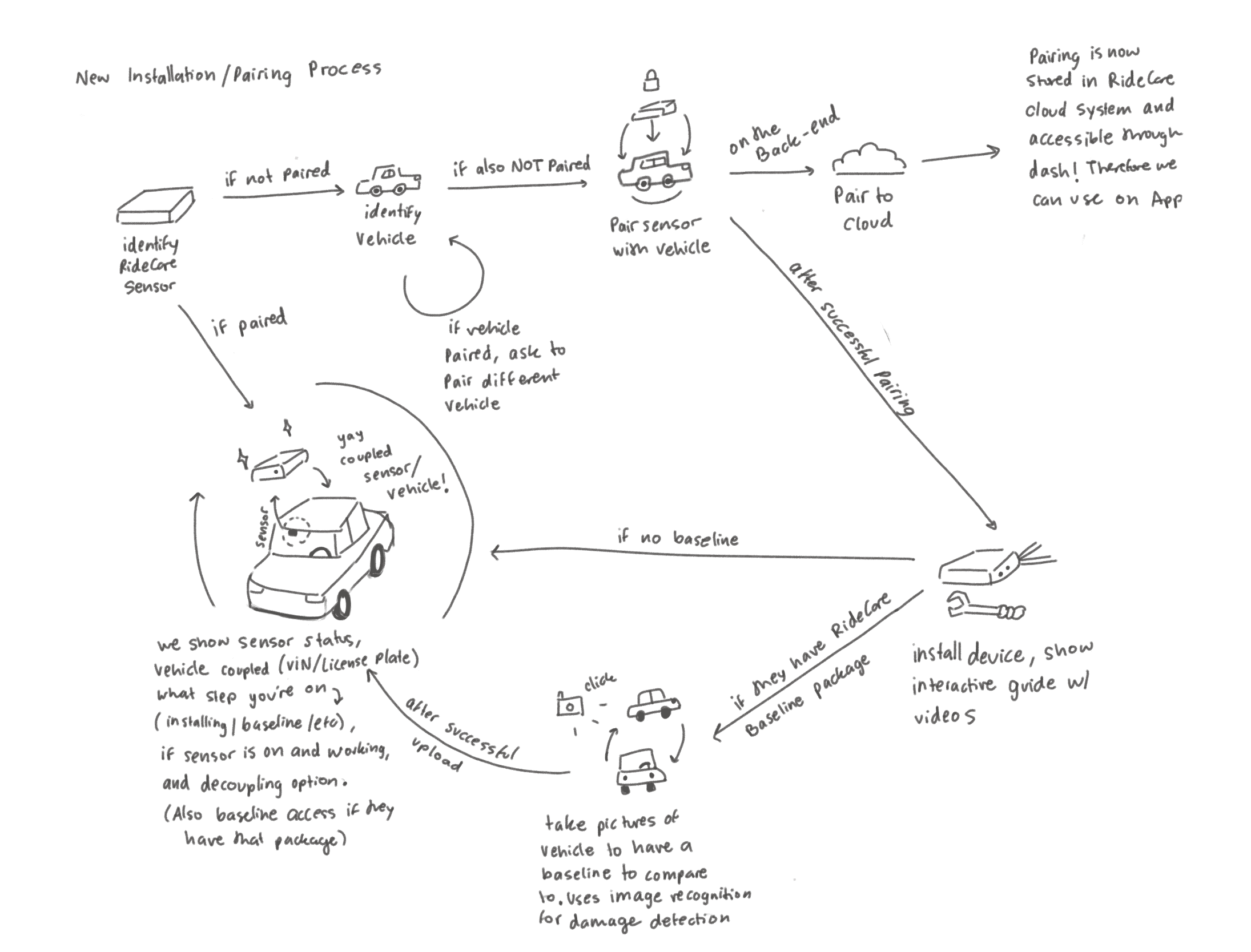
From the observations sessions, I was able to map out how the installation process works, which was the first step towards understanding how the instructions needed to be rewritten.
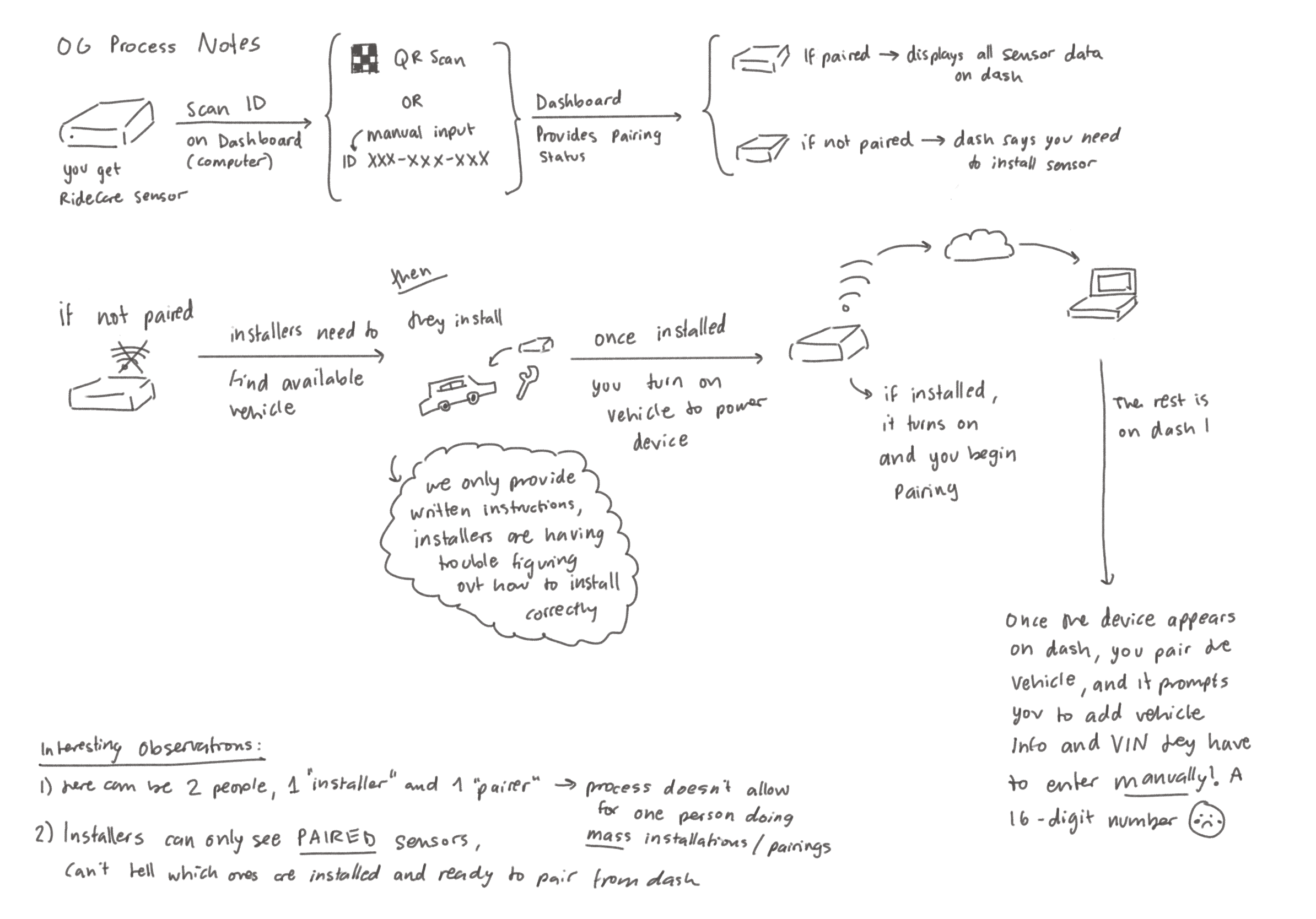
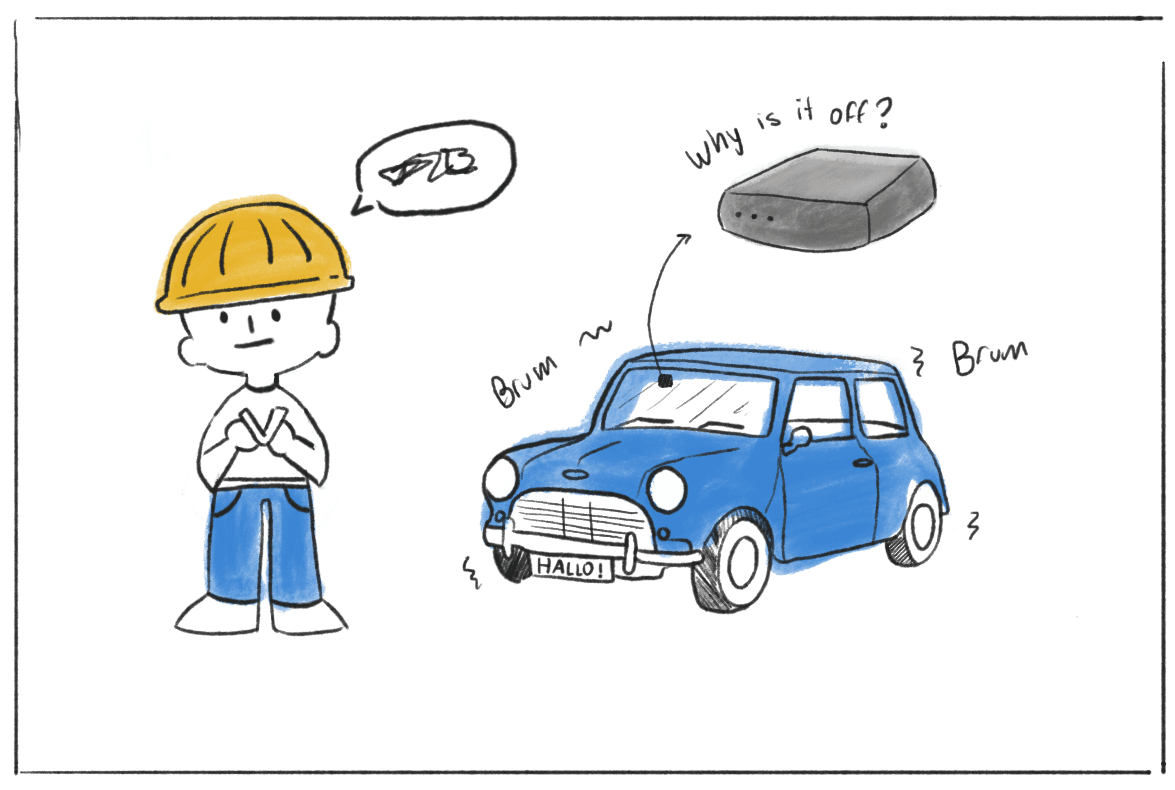
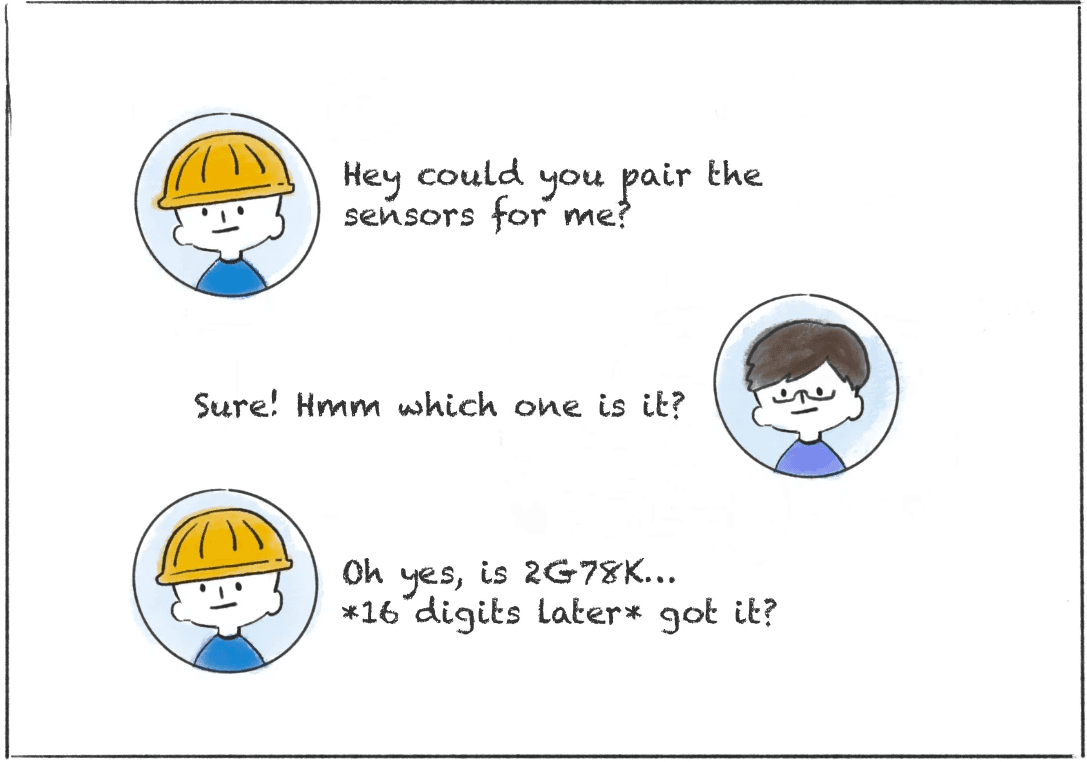
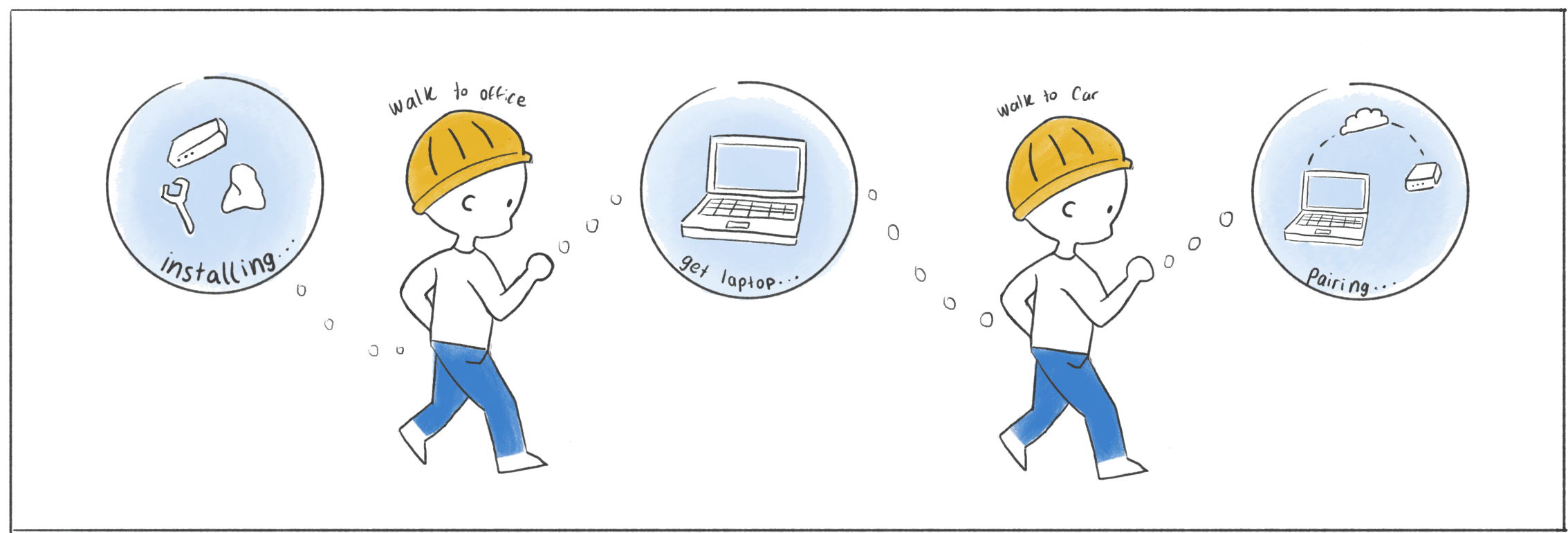
I learned that paper instructions failed to communicate key installation details, which were difficult to convey through text and images alone. In some cases, installation and pairing were handled by two different people: one focused on installing the hardware, while the other handled pairing through a laptop dashboard needed to confirm proper setup.
Interviews
To learn about installers experiences, we conducted interviews to understands their needs, pain-points and use-cases.
Some installers mentioned it was a matter of “getting used to it,” while others said easy access to videos would help when they got stuck on specific steps.
Information Architecture
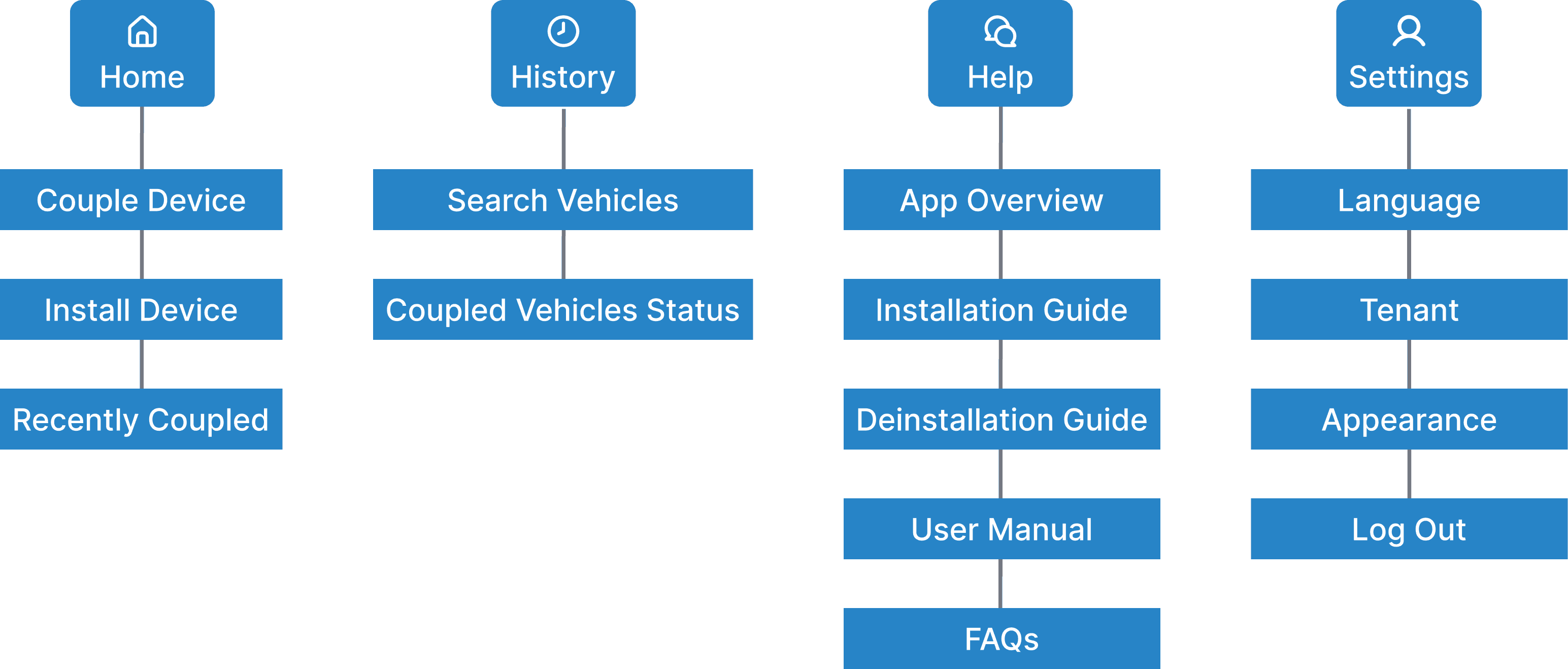
Following, I created an IA artifact to map out all the screens/features we needed, and to ensure we weren't missing anything in the process.
User Flow
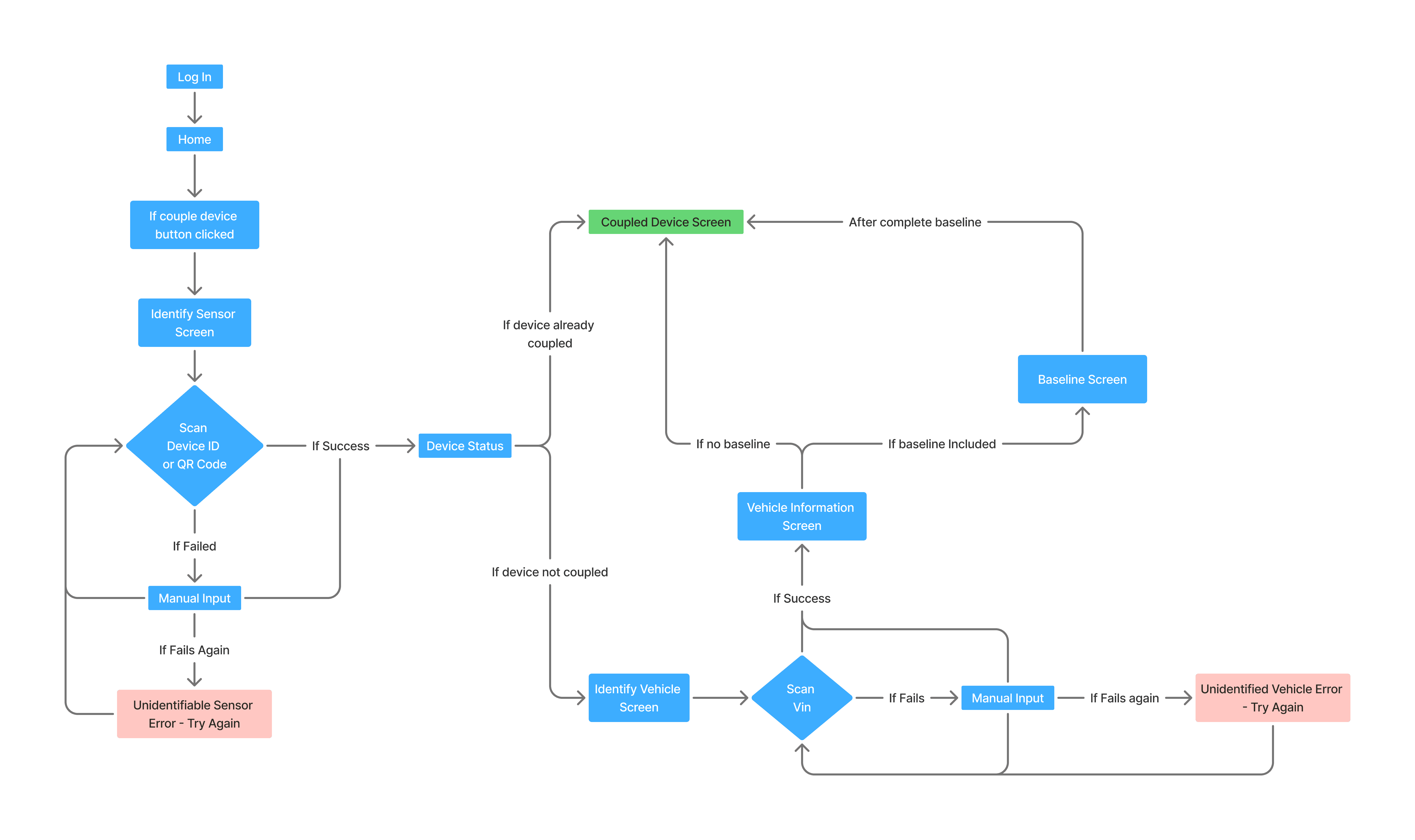
After compiling all the information that was needed for each feature/phase, I put together a small user-flow that reflected the screens and ideas from the sketched flow
Conclusion
What began as a request to update installation instructions revealed deeper gaps in the installation and pairing process, ultimately leading to the creation of the RideCare Go app.