Overview

Bosch RideCare provides in-vehicle sensors that detect smoke, collisions, and harsh driving, giving fleet owners real-time insights to assess damage, improve vehicle health, and lower ownership costs.

Learn more about Bosch Ridecare

Check it out in the App Store or Play Store!

Ecosystem

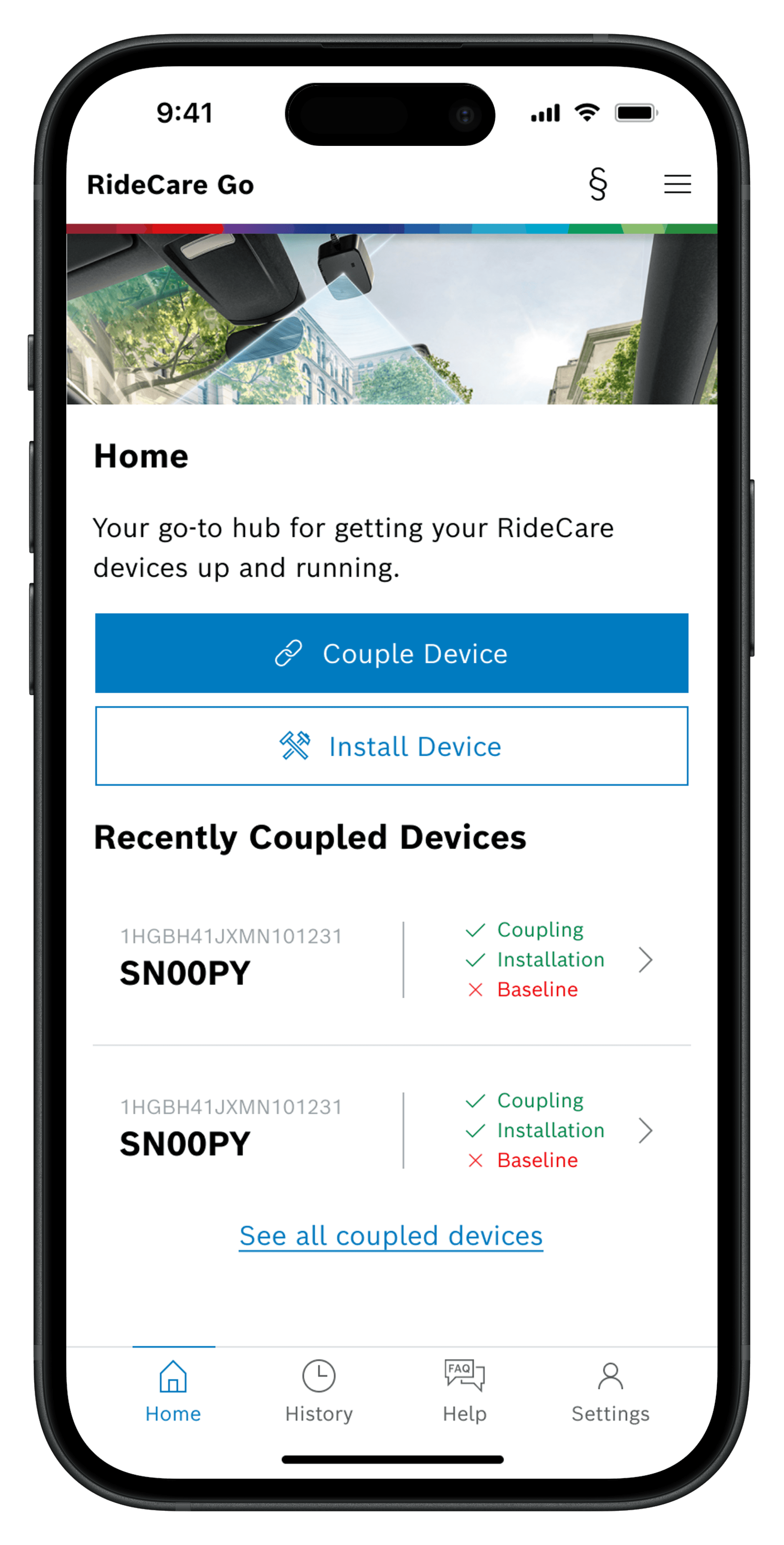
RideCare consists of three products: sensor, dashboard and newly developed RideCare go, allowing clients easy access their fleet status.

How does RideCare work?

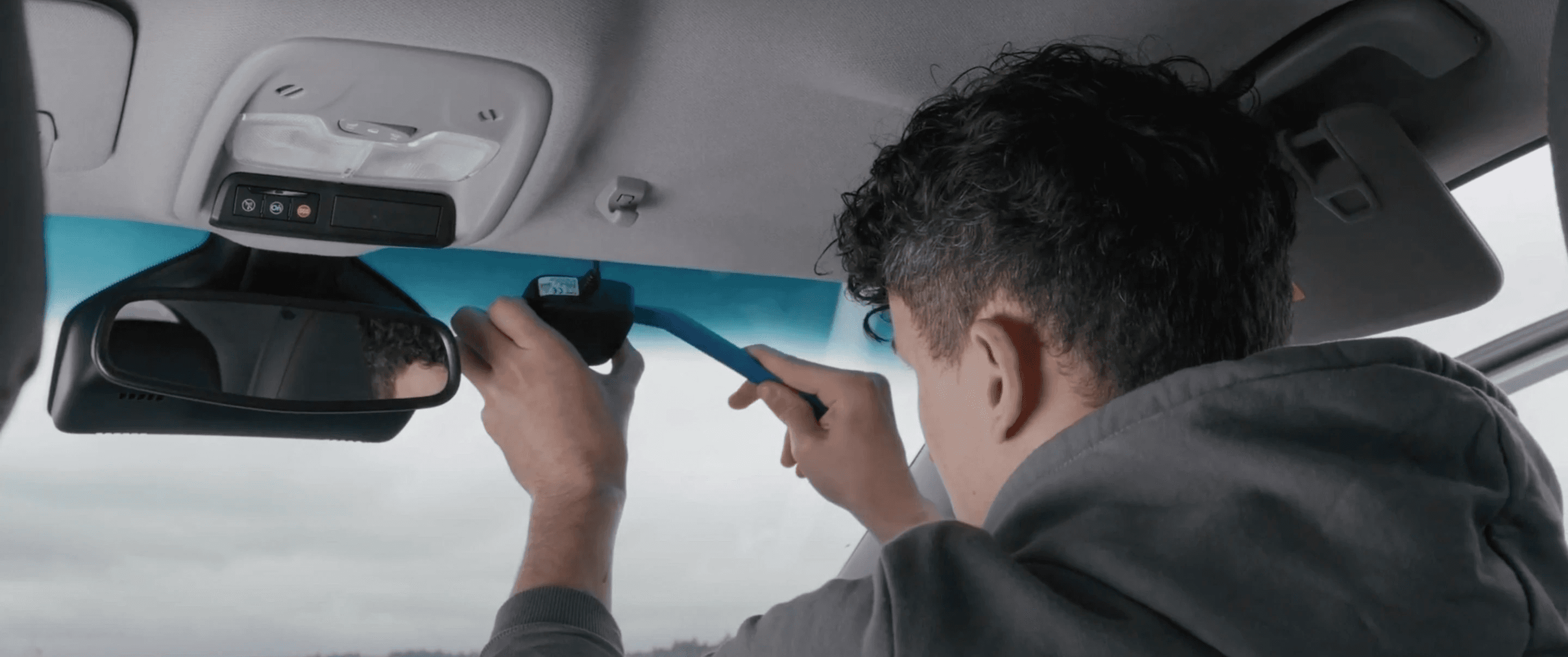
The RideCare sensor first needs to be installed, powered by the vehicle, and paired with RideCare’s cloud system for the dashboard to obtain all vehicle data needed.

Where do I come in?

I was tasked with rewriting installation instructions after incorrect installations led to inaccurate client data.

Understanding the Installation Workflow

Understanding the Installation Workflow

With only a few available clients, we conducted:

0
0
0

Observation Sessions

This allowed us to better understand the installation and pairing process and identify areas for improvement.

Understanding Installers Experiences

Afterwards, we conducted:

0
0
0

Interviews

"Some videos would be nice to show like all the little details"

"Some videos would be nice to show like all the little details"

"Some videos would be nice to show like all the little details"

"Some videos would be nice to show like all the little details"

"Some videos would be nice to show like all the little details"

What did we discover?

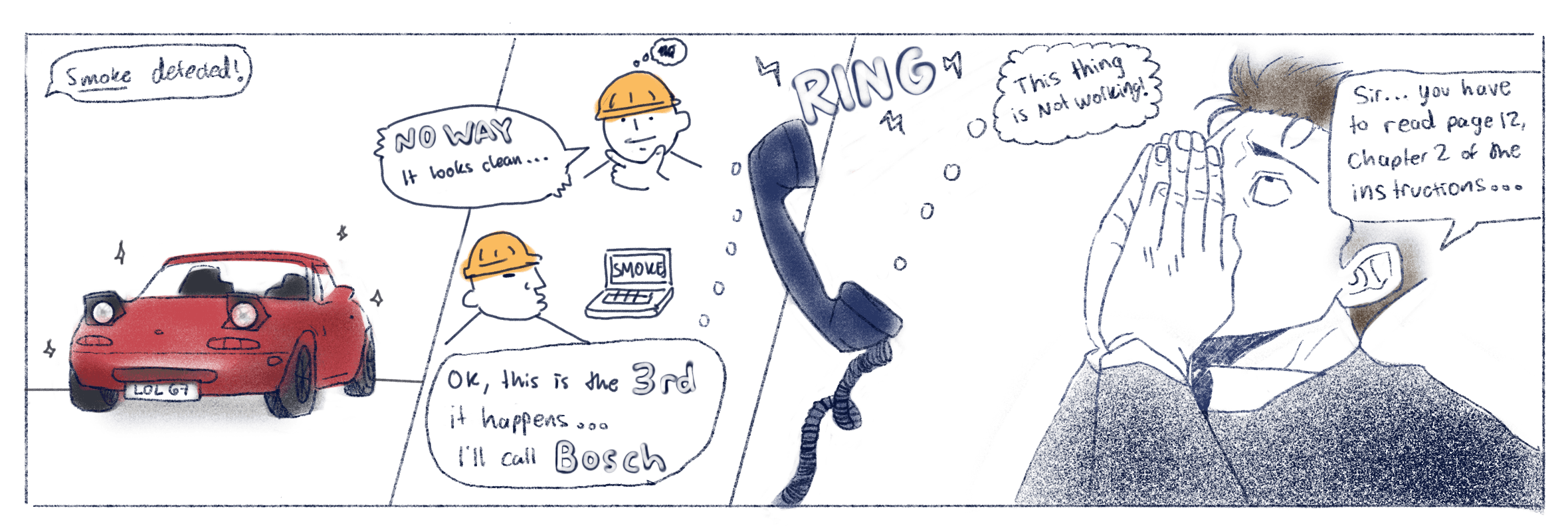
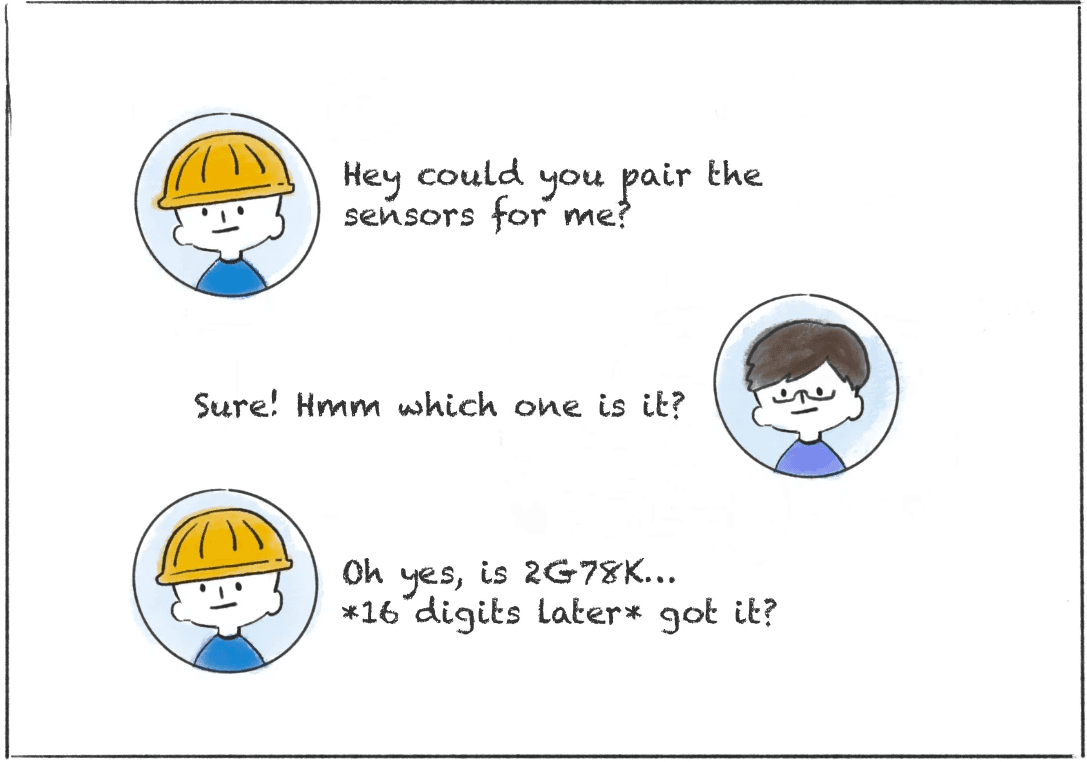
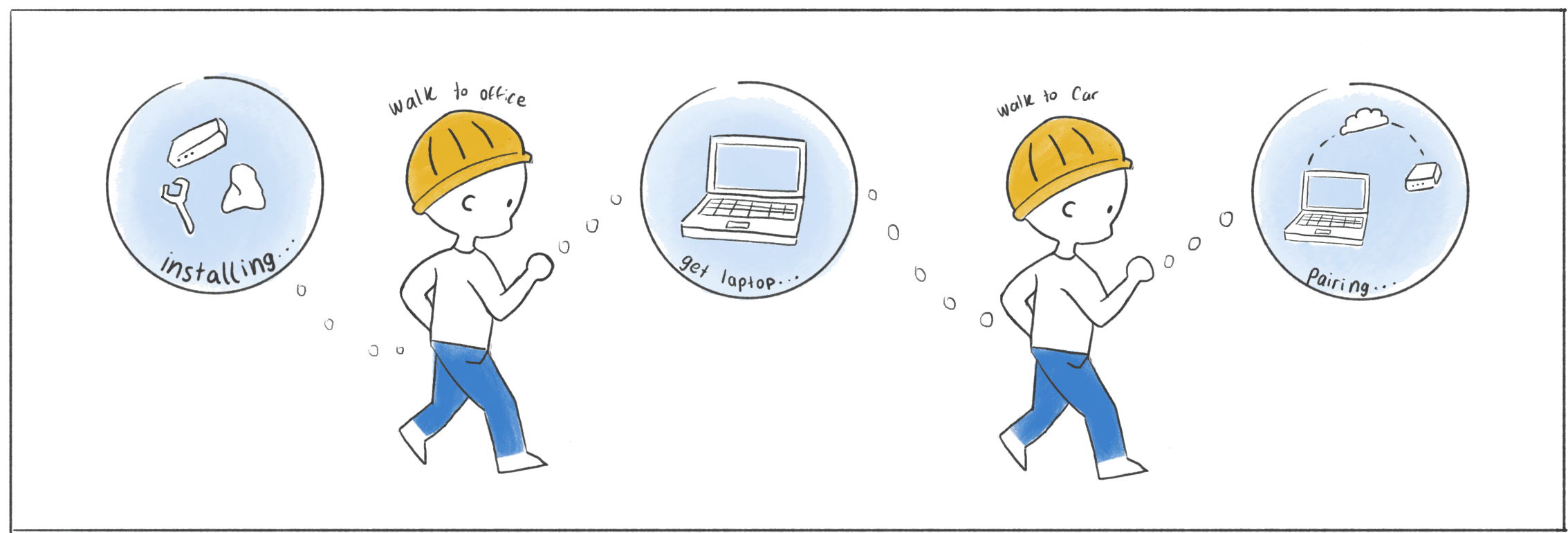
After understanding the process there were three distinct pain points that we discovered, that made us reassess our original task.

Objectives

Objectives

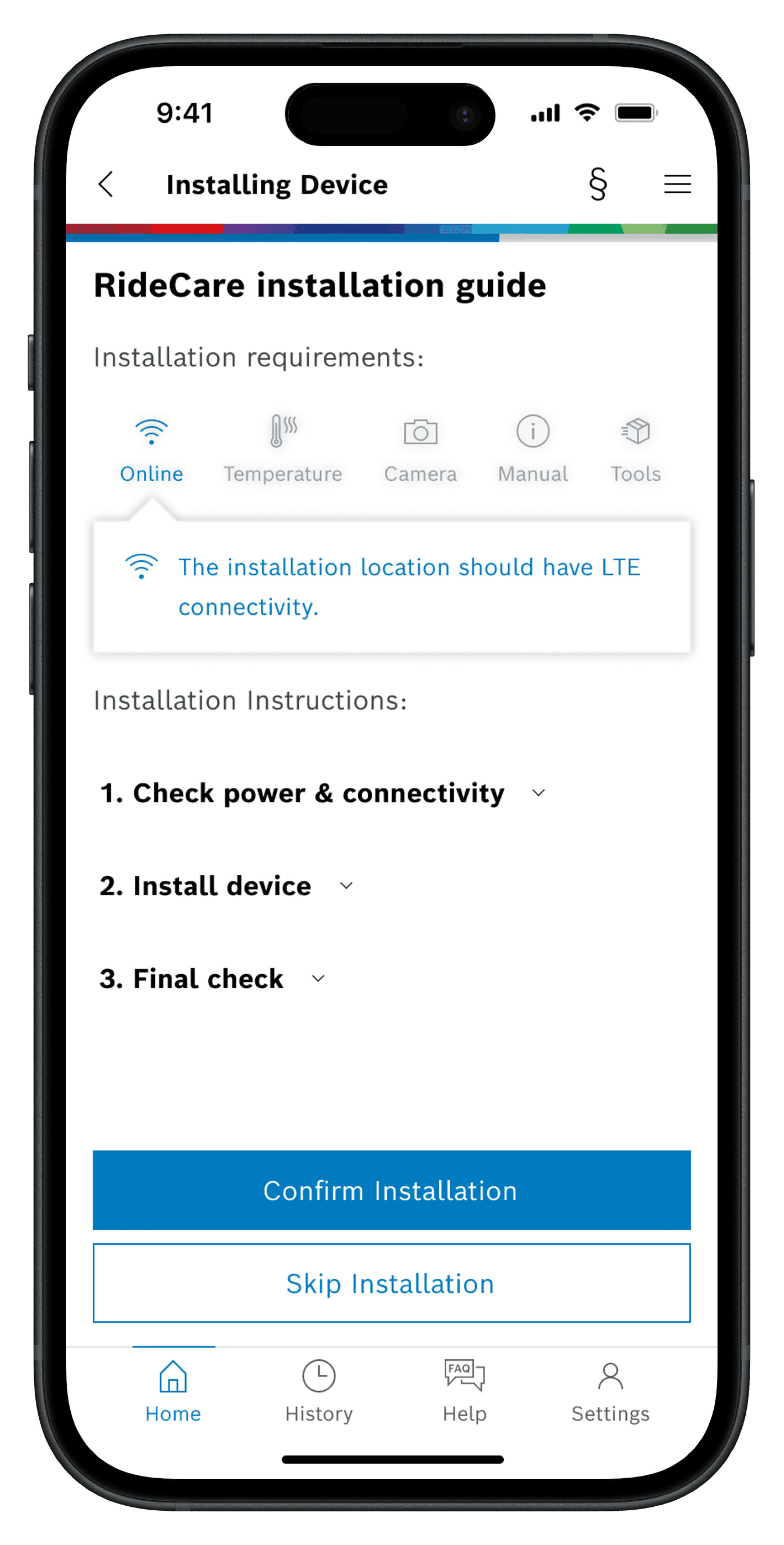
  1. Create interactive, step-by-step instructions with supporting videos to guide installers.

  2. Redesign and streamline the pairing flow so it integrates naturally with the installation process.

  3. Remove the need for laptops during in-vehicle pairing to make the workflow more accessible.

Improved Process

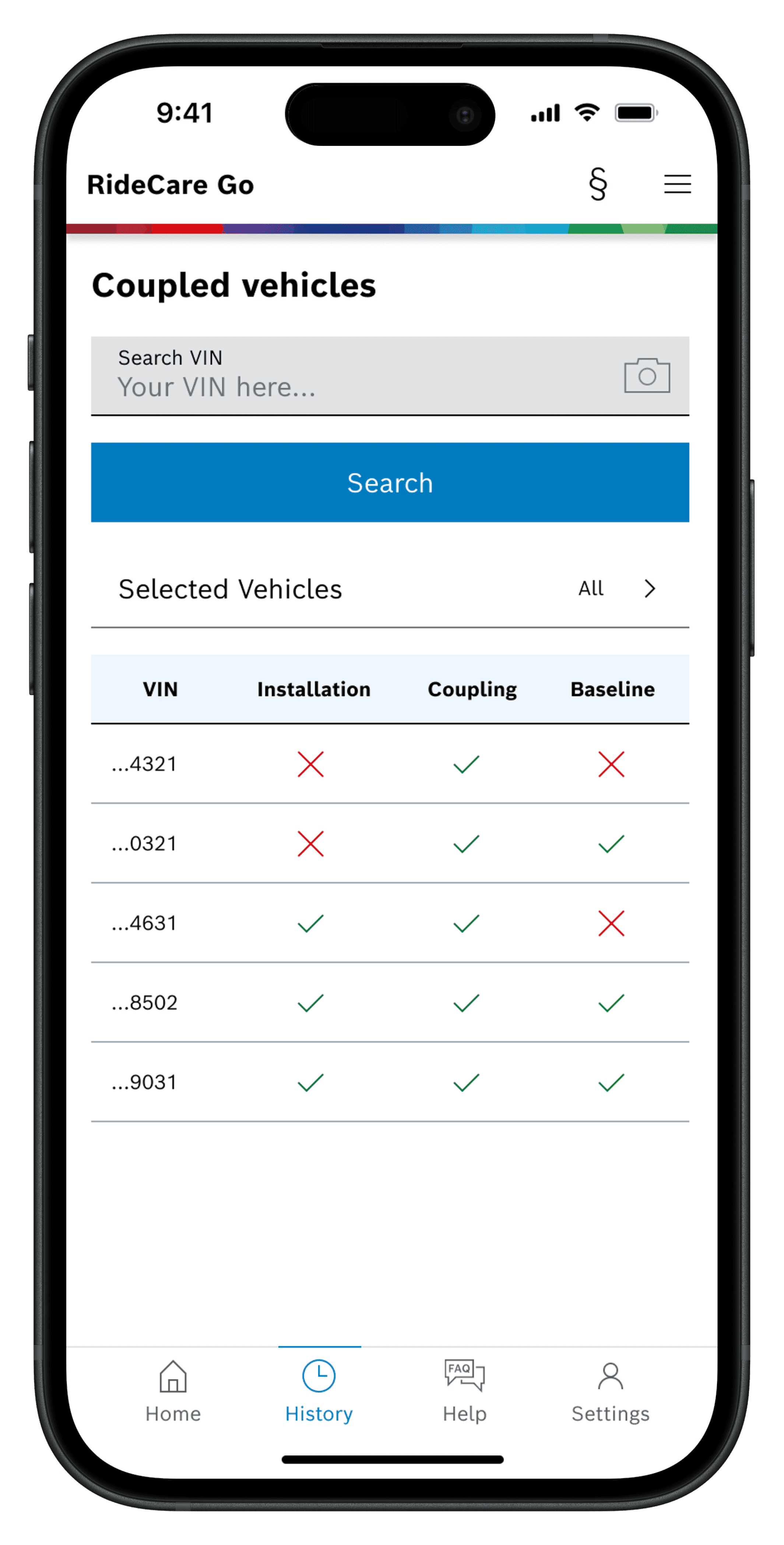
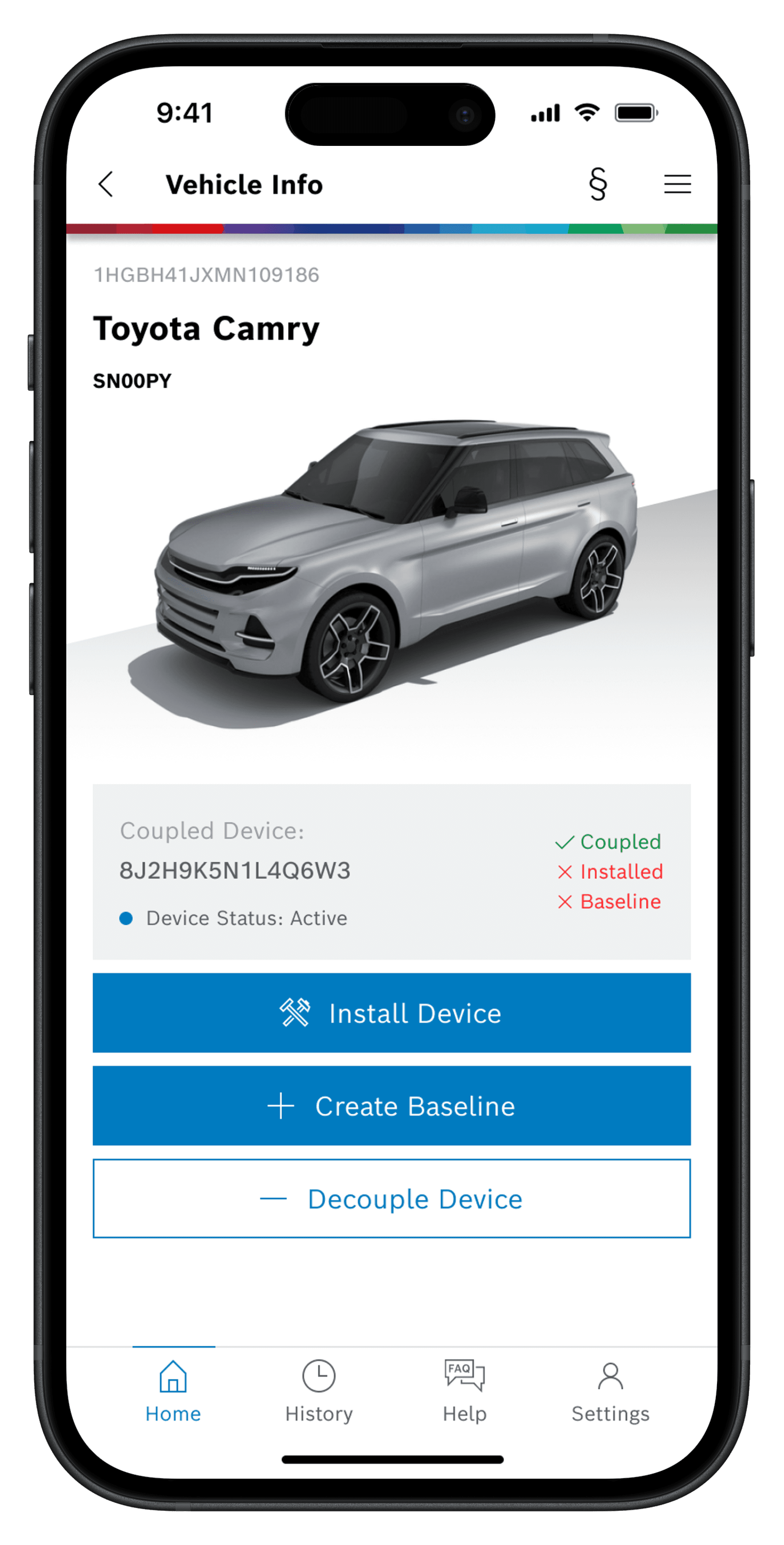
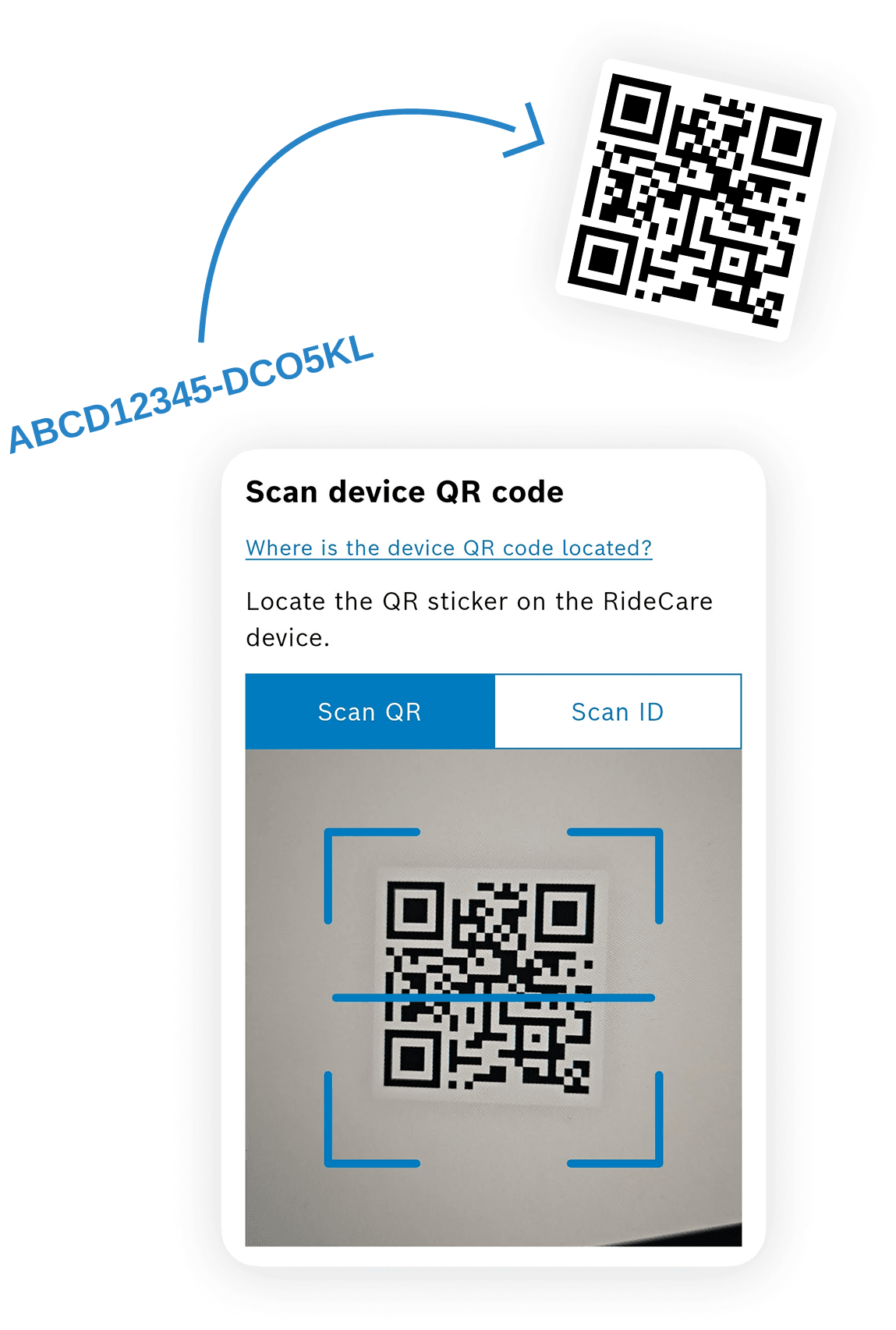
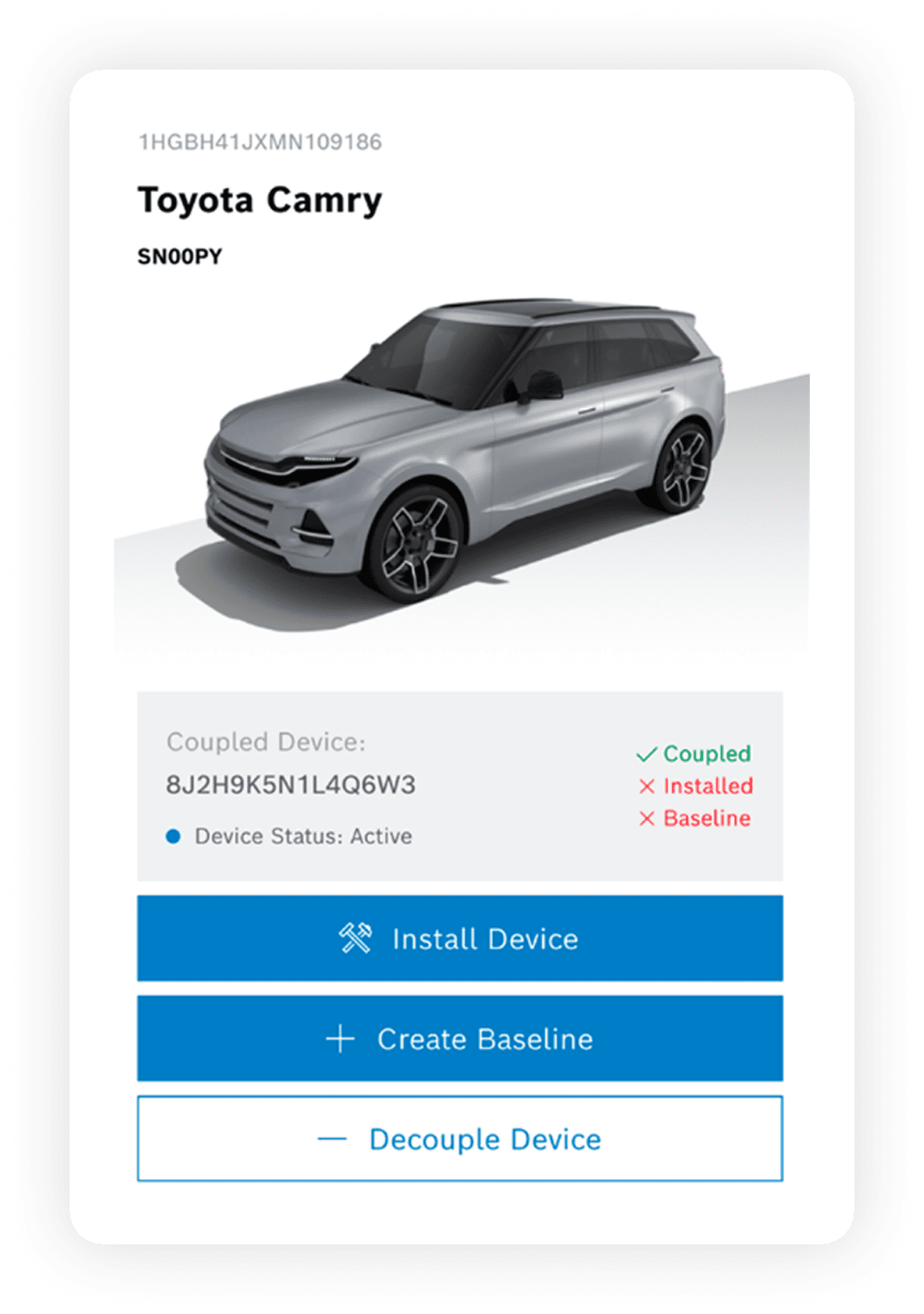
The improved pairing flow helps installers quickly check sensor and vehicle status, confirm compatibility, and move through installation, pairing, and baseline steps more efficiently.

Information Architecture

Next, we organized all key information to guide our ideas and shape the new process.

Information Architecture

Information Architecture

Information Architecture

Information Architecture

Information Architecture

User Flow

After compiling all the information that was needed for each feature/phase, I put together a small user-flow that reflected the screens and ideas from the sketched flow

Ideation

The next thing was to compile all the information necessary

Sample Sketches

Testing

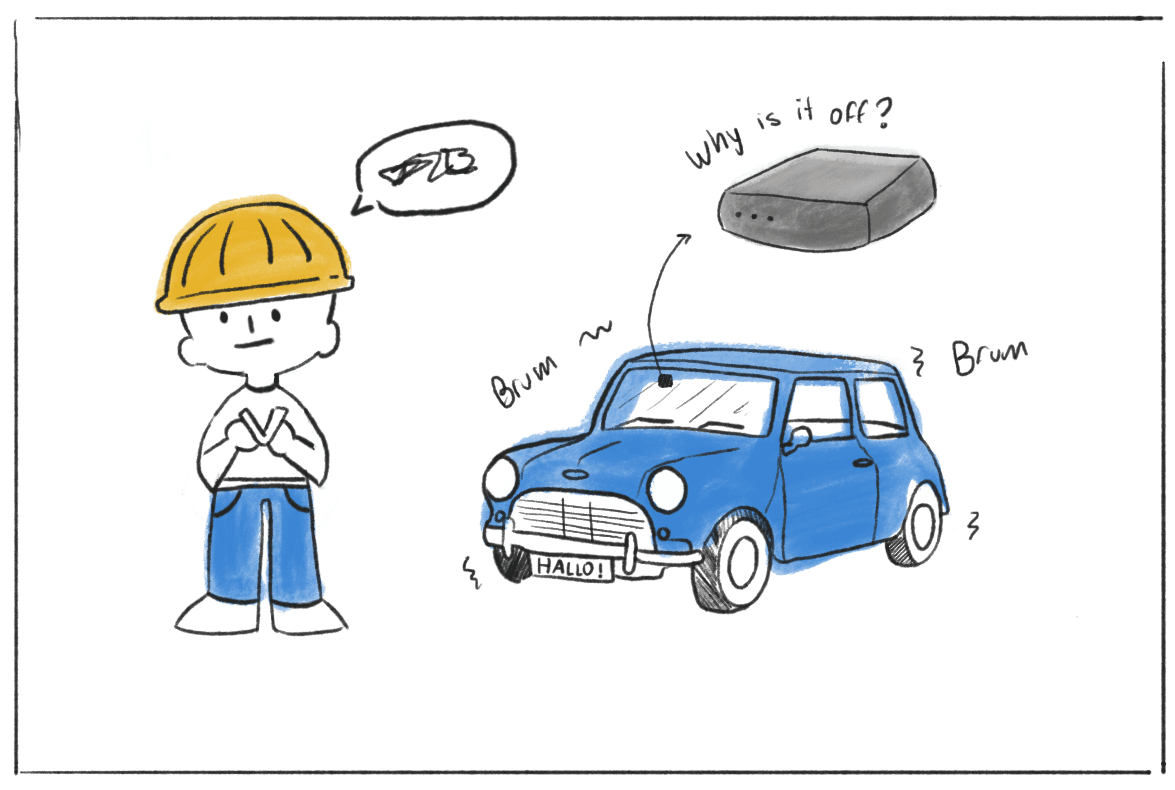
Through observation sessions, we were able to understand better installation and pairing processes, and after hours of observations I visualized what the process looked like.

Solution

The next thing was to compile all the information necessary

RideCare Go!

RideCare Go!

Reflection

This project strengthened my appreciation for a structured design process. Using the Double Diamond Design Process at Bosch and it was essential, since we were building the product from the ground up. I also learned the importance of brand guidelines and design systems to ensure RideCare Go aligned with Bosch’s visual identity. Finally, working through iOS and Play Store design requirements deepened my understanding of accessibility and helped ensure our app was ready for release.

Key Takeaways

Key Takeaways

  • Research must guide design decisions; it is essential, not optional.

  • Staying low-fidelity early on saved time and helped us quickly define the app’s flow.

  • Iteration is important; stepping back allowed us to rethink if users would benefit from written instructions and ultimately led to RideCare Go creation.

  • Listening to users uncovered real pain points in the installation and pairing process and it helped me design with empathy.

Achievements

As a Digital Product Design Intern, I led the RideCare Go app from 0→1, partnering with the Bosch product team to drive product discovery through development. I conducted user research, created wireframes, and delivered a high-fidelity prototype for developer handoff aligned with user needs and business goals.